INSTRUCTIONS

Participate in votes and surveys in minutes

eligo.com keeps participation simple. Use your invite link, follow the prompts, and submit your vote or survey response securely in the external app.
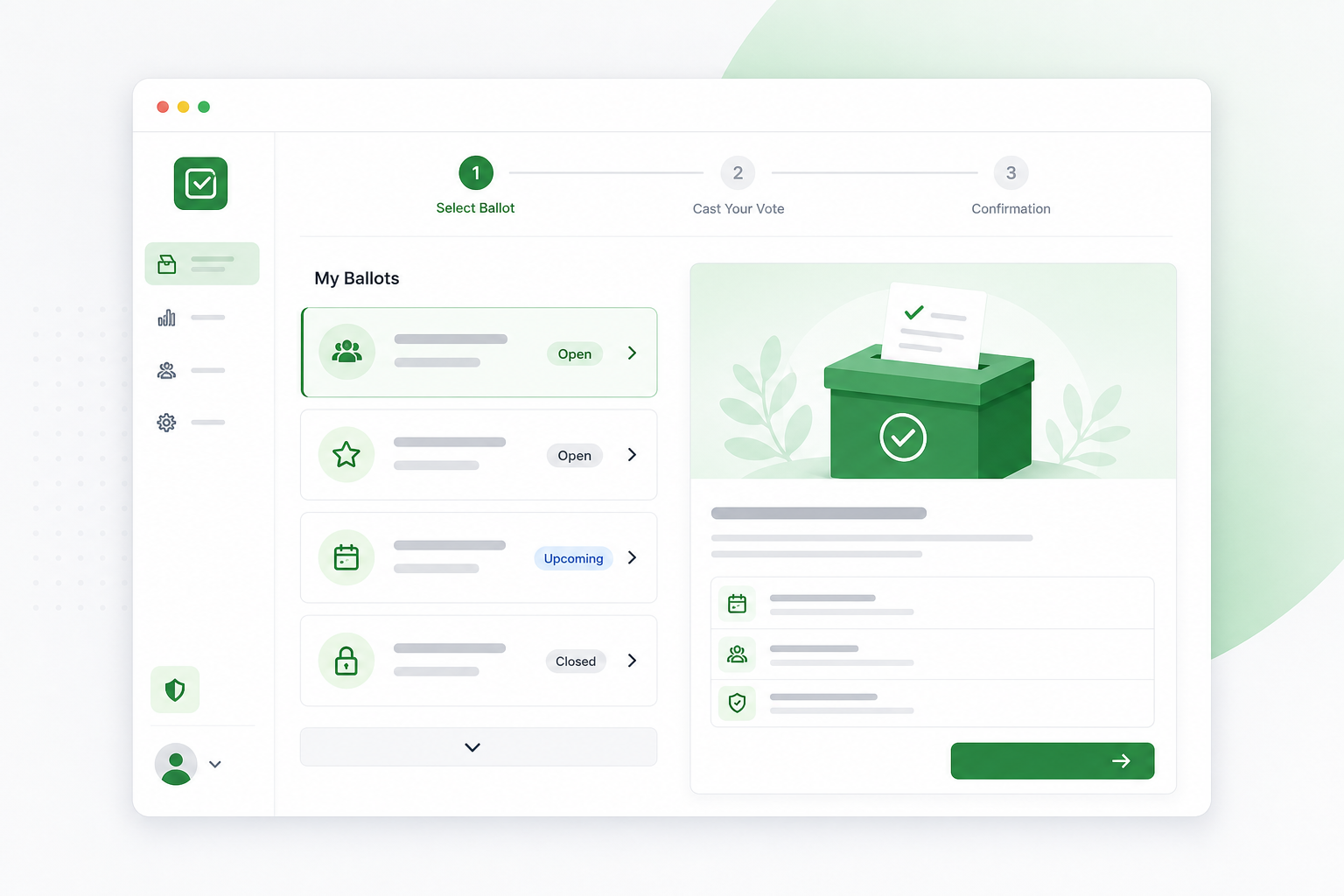
Preview of the Eligo voting app showing a ballot with simple step indicators
Secure access
Guided steps
Instant submit
1

Open your invite

Use the link or QR code from your organizer. It takes you straight to the Eligo voting app.

2

Confirm your access

Enter the access code if requested. The app will show the ballot or survey details.

3

Follow the prompts

Move through each question or vote item. Required fields are clearly marked.

4

Submit and finish

Review your choices and submit. You’ll get a confirmation screen once complete.

If you need help

Having trouble opening the app or seeing your ballot? Start by checking your invite email or message for the correct link. If the issue continues, reach out and we’ll help you quickly.

Support response: within 1 business day Contact support

Participation checklist

  • Have your invite link or QR code ready.
  • Use a modern browser on mobile or desktop.
  • Allow pop-ups if the app opens in a new tab.
  • Submit once — you’ll receive confirmation.

Instructions • FAQ

Quick answers for joining and running a vote

Everything here is designed to keep your voting experience smooth and reliable. If something feels unclear, reach out and we’ll help right away.

How do I join a vote or survey?

Use the link or code provided by the organizer. It opens our secure external app where you can sign in or enter your participant details.

Do I need to create an account?

Most votes only require the access link or code. If the organizer enables accounts, you’ll be prompted inside the external app with clear steps.

I can’t access the voting app — what should I check first?

Make sure the link hasn’t expired and that you’re using the latest version of your browser. If you still can’t join, ask the organizer to resend the invitation.

Where are my answers saved?

All submissions are stored securely in the external voting app. You’ll see a confirmation screen once your vote or survey is recorded.

Who can help if I’m stuck?

Contact the organizer first for access issues. For platform support, reach our team at the contact page and we’ll respond quickly.